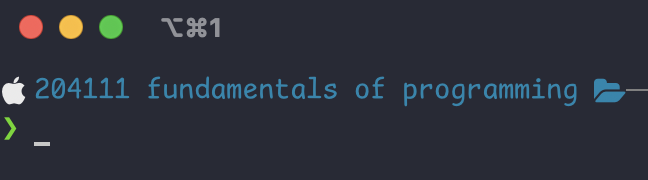
Method 1: From a Specific Directory
If you want to open the terminal directly from a specific directory, you can follow these steps:
-
Open the Finder application.
-
Navigate to the desired directory.
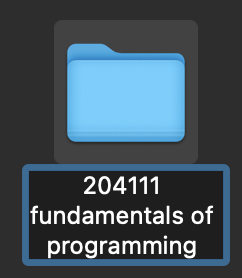
-
Right-click on the directory and select
Servicesfrom the context menu. -
Choose
New Terminal at Folderto open the terminal at that directory.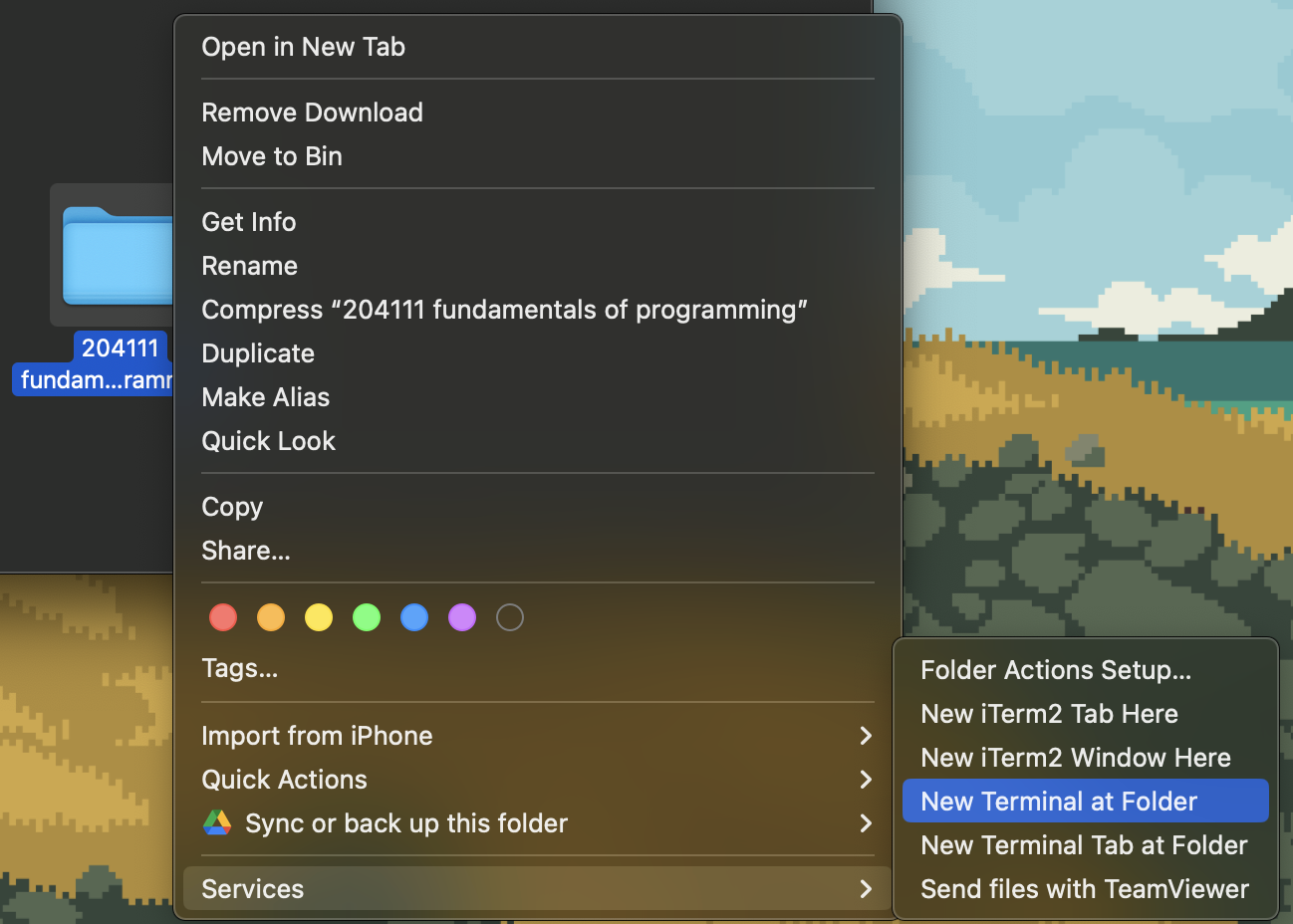
-
Ready to work!